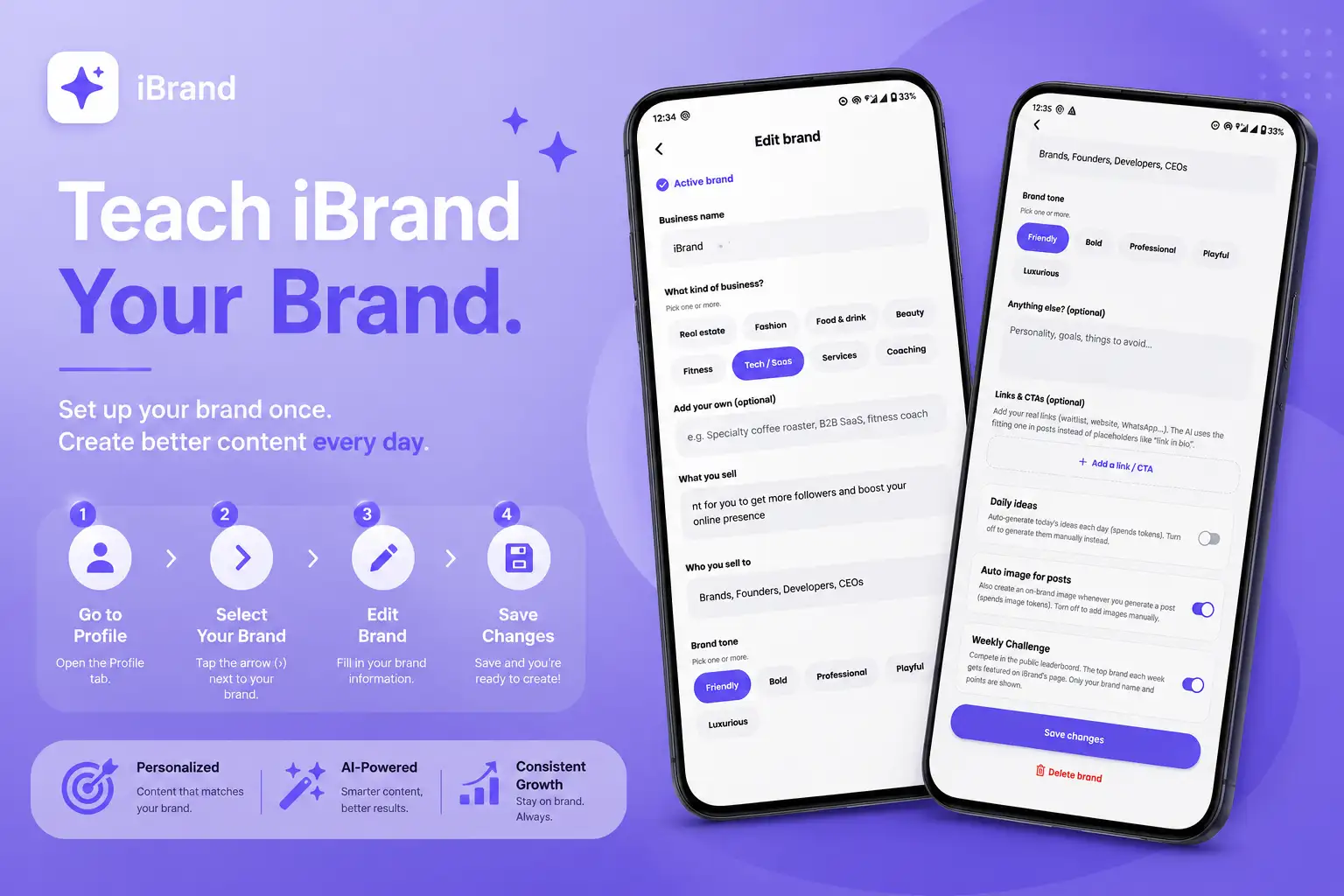
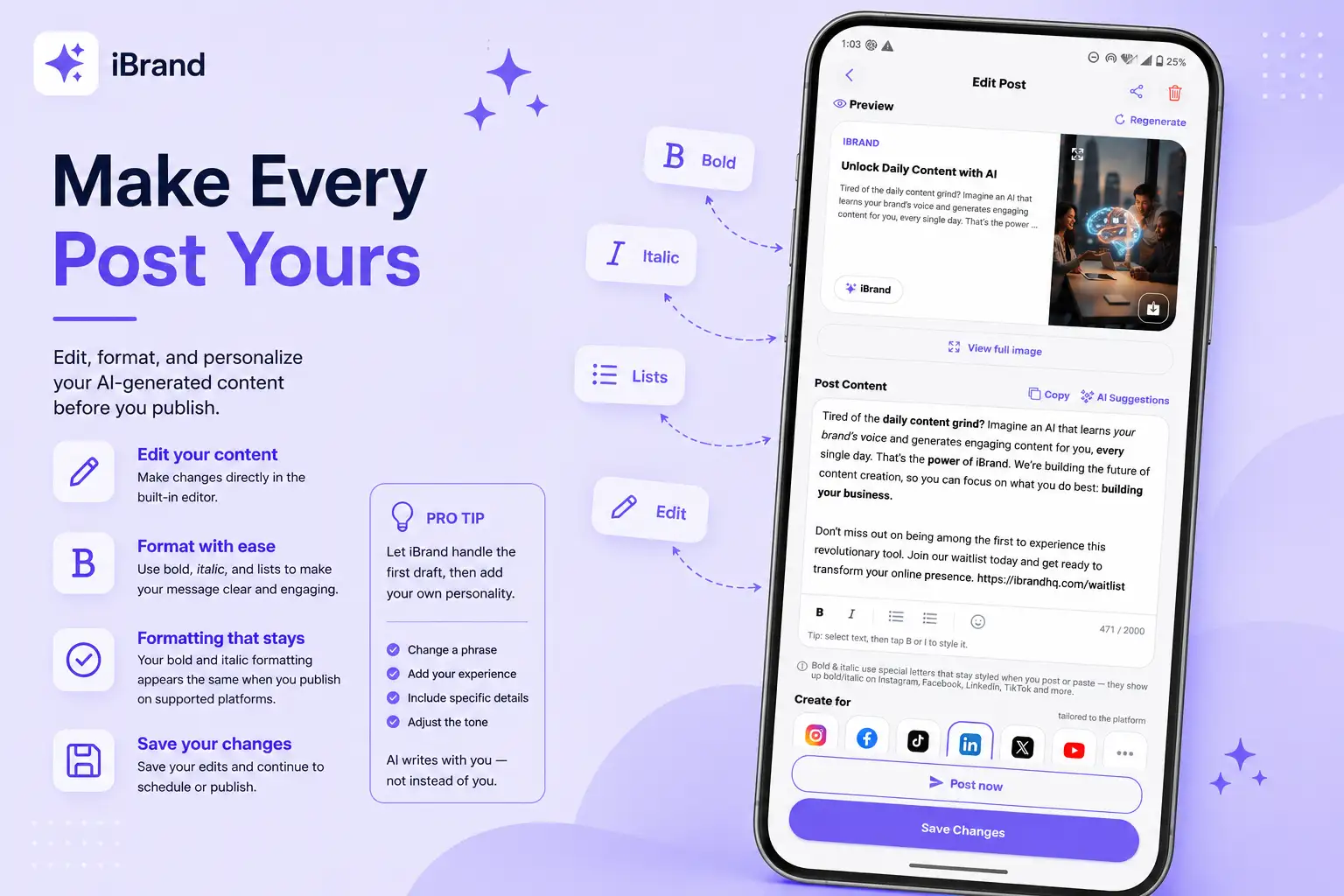
Create Your First Post With iBrand
Ready to create? 🚀 iBrand gives you two easy ways to get content ready for your brand.
Option 1: use your ready-made posts
When you open Home, iBrand gives you ready-to-use posts created specifically for your brand.
✨ Find a post you like and use it immediately.
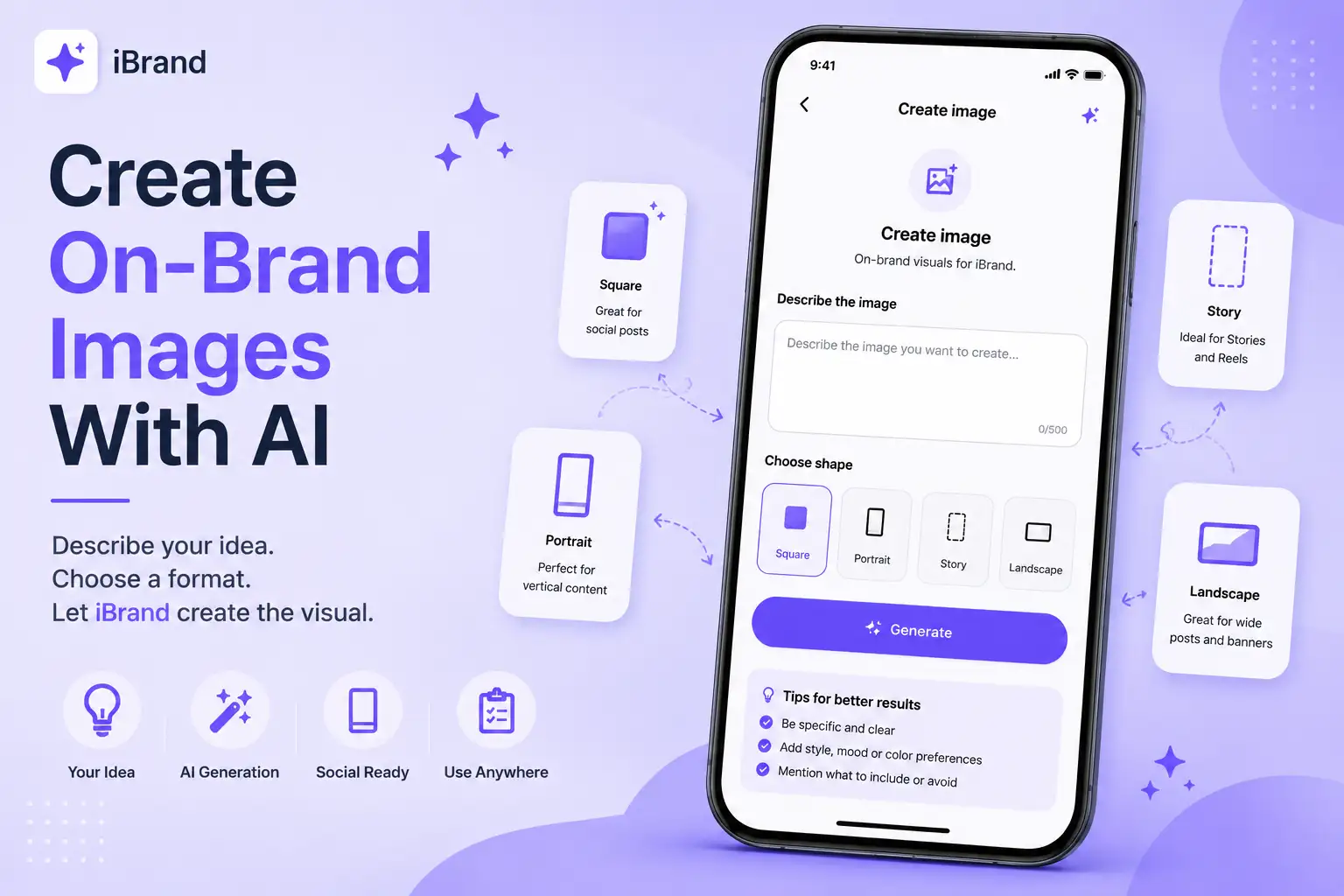
🎨 Want a visual to go with it? Tap the image icon in the top-right corner of the post to generate an on-brand image.
Option 2: create your own content
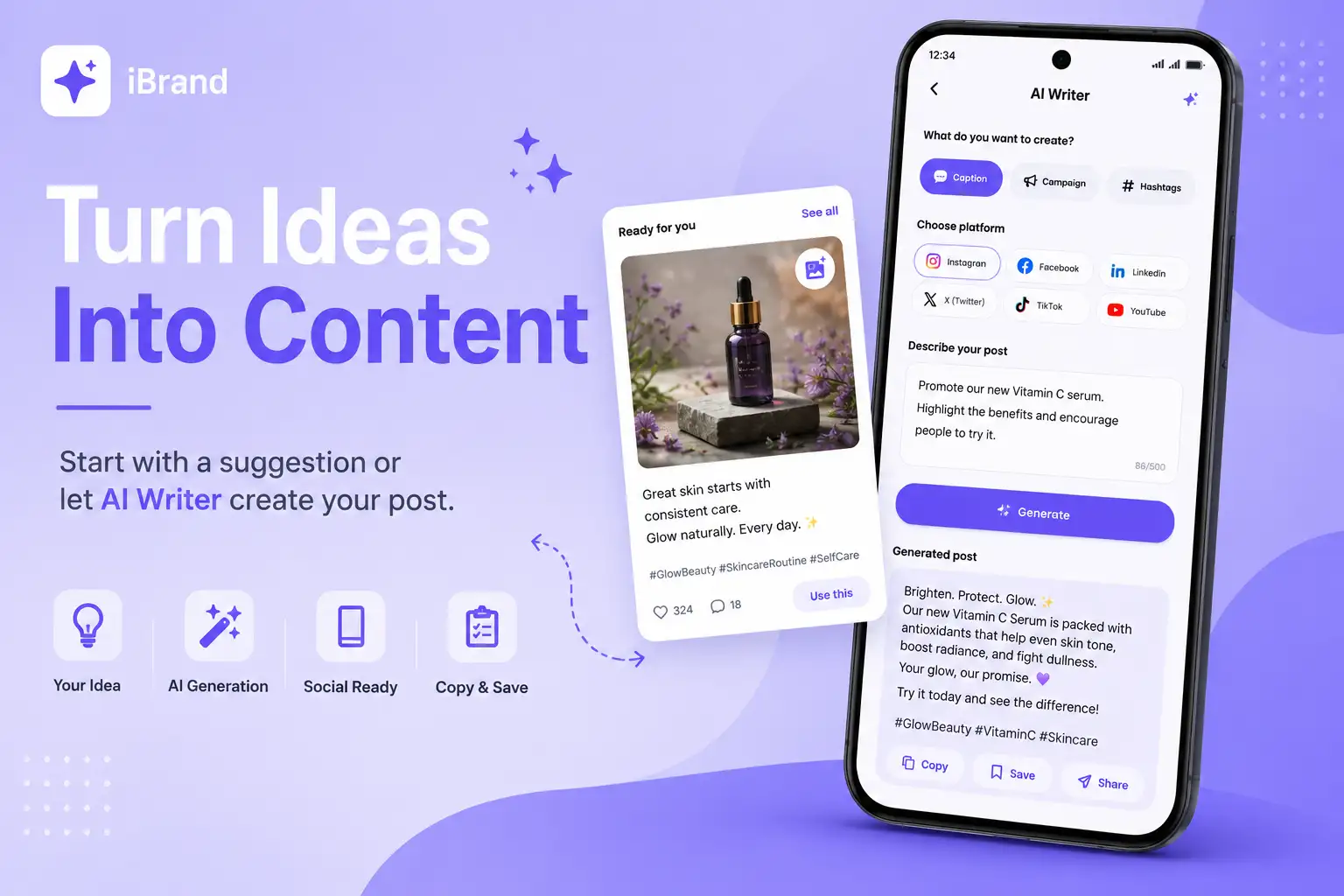
Have something specific you want to say? Use AI Writer and let iBrand turn your idea into polished content.
Open AI Writer
From the Home screen, tap the AI Writer quick action.
Choose what you want to create
💬 Caption
Text that accompanies a photo, video, or social media post.
📣 Campaign
A series of connected content built around a promotion, launch, announcement, or marketing goal.
#️⃣ Hashtags
Relevant #words and phrases that help categorize your content and make it easier to discover.
Choose your platform
Select the platform you're creating for.
Describe your idea
Tell iBrand what you want the content to be about. You can simply describe your idea in your own words.
Generate
Tap Generate and iBrand will turn your idea into polished content tailored to your brand and platform.
Copy or save
Copy your content instantly, or find it saved in your Content Library.
Pro tip
Don't worry about writing a perfect prompt. Just explain what you want to say naturally.
iBrand already knows your brand — you focus on the idea, and iBrand handles the content.
🚀 From your idea to ready-to-use content in seconds.